Get the app
One appfor every shift.
Gildhour runs on iPhone and Apple Watch. Use it on your own, free. Or sign in with your company's code and your shifts, site check-in and SOS are in the same app.

iPhone with iOS 17 or later. The Apple Watch app installs with it.
On your own, or with your company
Solo
Free, no account
For freelancers, contractors, gig workers and anyone paid by the hour or the job.
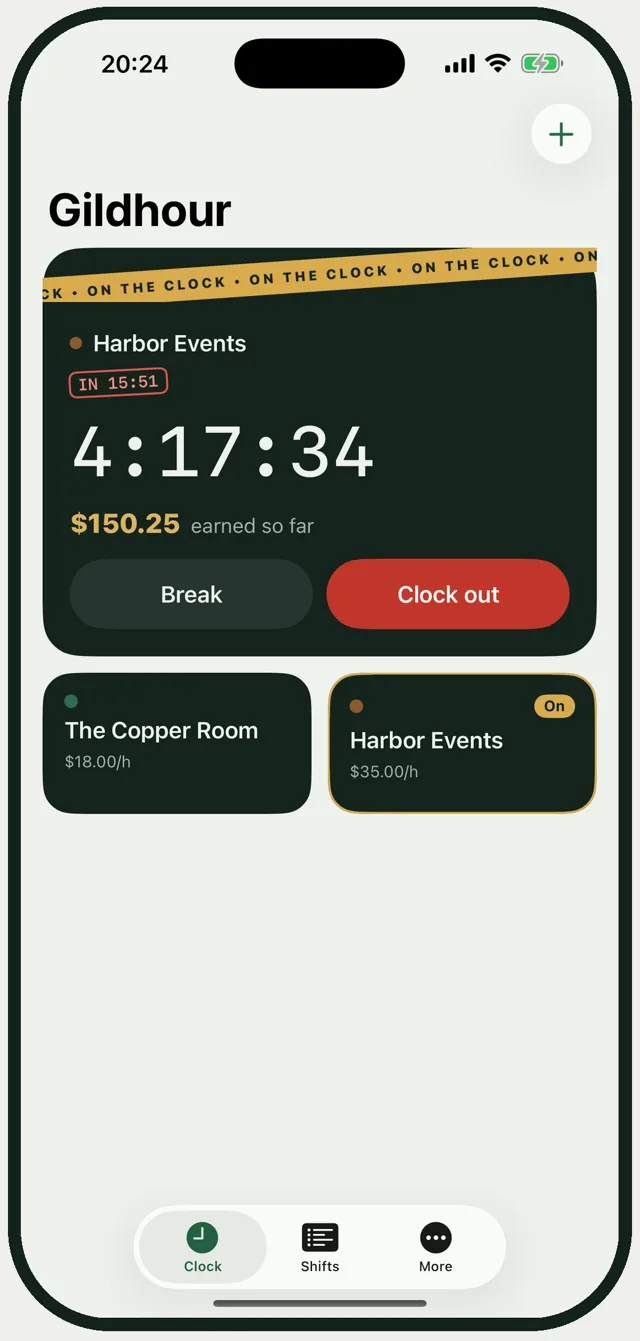
Clock in and out by place
Save the places you work. The app checks you are there when you clock in and out.
A tile per client or job
Its own hourly rate, flat fee or both. Tap to start, tap another to switch.
Tips and mileage
Tips at clock-out, miles per trip, and what each job really pays per hour.
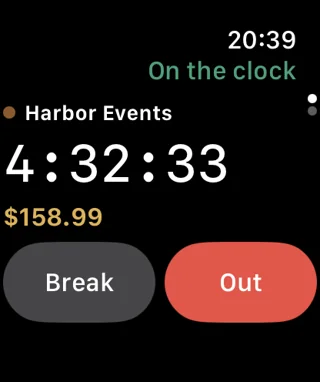
On your wrist
Clock in, take a break and clock out from Apple Watch.
Private
Everything stays on your phone. No sign-up, no ads.
With your company
Sign in with your company's code
Everything in Solo, plus what your crew needs on site. Your company pays for it.
Your schedule
See your week, confirm shifts, claim open ones and swap with a teammate.
Clock in on site
By location, the QR poster at the door, or the code on the kiosk screen.
SOS
Hold the button and every manager gets an alert with where you are.
Lone-worker check-ins
Check in on a timer. A missed check-in alerts your manager.
Your own jobs stay yours
Your company sees only the punches at its sites, never your other jobs or tips.
Up and running in a minute
1
Download Gildhour
From the App Store, on your iPhone.
2
Add a job, or join your company
On your own, add where you work. With a company, enter the code your manager sends you.
3
Clock in
One tap starts the clock. Pay and tips add up while you work.
For managers
Run the company from the web.
Set up your company, invite your crew and run the back office at gildhour.com: the live map, the schedule, attendance, hours, payroll and Pay now. Per person, per month, with a 14-day free trial.